What Is Vibe Coding? Meaning, Tools, Risks and When to Use It
"Vibe coding" is everywhere right now. Searches for "what is vibe coding" are up more than 150% this month, and "vibe coded meaning" and "vibe coder" have broken out as searches of their own. If you keep seeing the term and want a straight explanation, here it is.
What vibe coding means
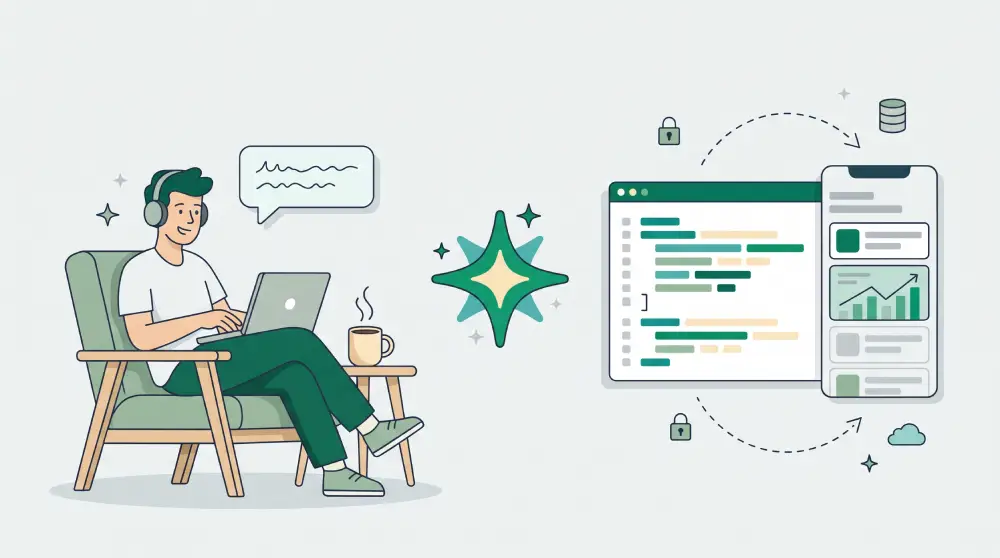
Vibe coding is building an app or website by describing what you want to an AI in plain language and letting the AI write the code. You don't read the code line by line. You look at what it built, say what's wrong or missing, and repeat until it's right.
The term was popularised by AI researcher Andrej Karpathy in early 2025. The idea: you go with the vibe, focus on the outcome, and leave the technical detail to the model.
What does "vibe-coded" mean?
When people call a product "vibe-coded", they mean it was built mostly by prompting an AI rather than by engineers writing and reviewing the code. Depending on who's saying it, that's either a compliment (built fast by one person) or a warning (nobody really knows what's inside).
What it looks like in practice
- You write: "Build a booking tracker for my studio with clients, sessions and a weekly calendar."
- The AI builds a first version and runs it.
- You say: "Add a monthly view and send me an email when someone cancels."
- The AI changes the code. If something breaks, you paste the error and ask it to fix it.
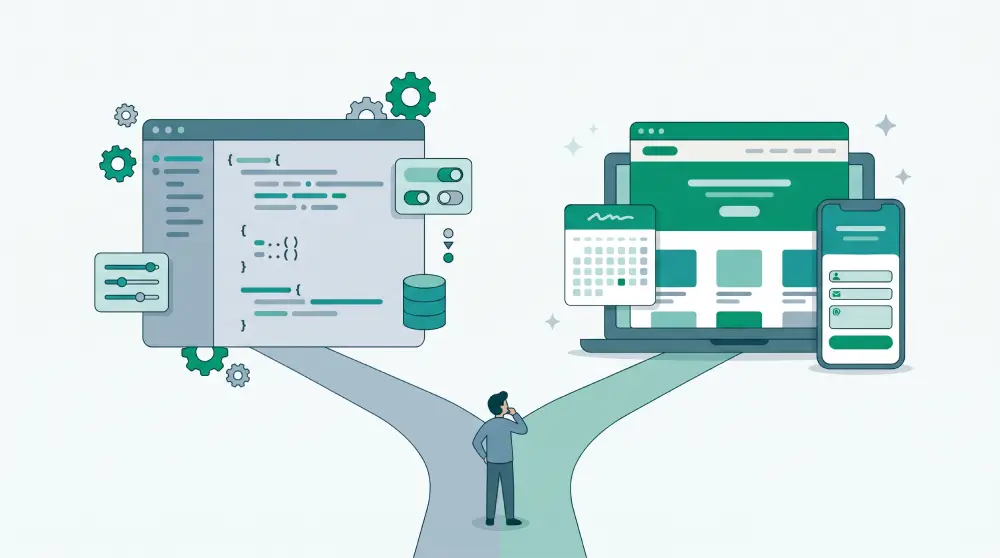
Compared with traditional programming, you don't need to understand why the code works. Compared with no-code tools, the result is real code that can become anything.
Vibe coding vs no-code vs an AI website builder
- How you work. Vibe coding: prompts, AI writes code. No-code builder: drag and drop. AI website builder: prompts plus a visual editor.
- What you get. Vibe coding: any app you can describe. No-code builder: what the platform supports. AI website builder: a website ready to publish.
- Hosting, security, updates. Vibe coding: your job. No-code builder: handled. AI website builder: handled.
- Best for. Vibe coding: new, custom software. No-code builder: simple sites and forms. AI website builder: business sites, stores, landing pages.
Popular vibe coding tools
- Lovable, Bolt and v0 build web apps from a prompt in the browser.
- Cursor and similar editors put AI next to your code for people who want to stay hands-on.
- Claude Code and other coding agents work directly in your project folder from the terminal and can make changes across many files.
- Replit combines an editor, AI and hosting in one place.
- Supabase isn't a vibe coding tool itself, but it's become the default database and login backend for vibe-coded apps, which is why its searches rise alongside.
We've compared one of them head to head in Lovable vs an AI website builder.
When vibe coding works well
- Prototyping an idea you want to show someone by the end of the day
- Small internal tools: a price calculator, a custom intake form, a simple dashboard
- Personal projects where the only user is you
- Learning: watching an AI structure code is a fast way to see how the pieces fit
The risks people find out about later
The hard part of vibe coding usually starts after the app works:
- Security. Logins, payments and customer data need someone who actually reads the code. Exposed API keys and databases left open to the public are common in vibe-coded apps, because "it works" and "it's safe" look the same from the outside.
- Maintenance. Hosting, domains, database backups and dependency updates are all yours. When something breaks late at night, you're fixing code you didn't write.
- Drift. Each round of prompting can change things you didn't ask about. Without version control, it's hard to get back to the version that worked.
- Re-solving solved problems. Business websites, stores, booking and contact forms have been built thousands of times. Recreating them from a prompt means you also own every bug in them.
Tips if you're going to vibe code
- Use version control from the first prompt, so you can always roll back.
- Ask the AI to explain anything that touches logins, payments or personal data, and get a second pair of eyes on it.
- Keep secrets like API keys out of the code and out of the browser.
- Make small, specific requests rather than "rebuild the whole thing".
- Write down what the app is supposed to do, so you can tell when a change broke it.
For a business website, which should you pick?
If you need genuinely new software, vibe coding is an exciting way to get there. If you need a business website that sells, takes bookings and shows up on Google, it makes more sense to use an AI builder that has already solved the boring, risky parts: hosting, SSL, SEO, forms and payments.
On PageHub you still work from a prompt, just like vibe coding. You can even point the AI at one section of a page and change only that. The difference is that you get a site that's ready to publish, editable visually or as HTML, with hosting, security and SEO already handled. Write your first prompt on PageHub.