Lovable vs an AI Website Builder: Which Do You Need?
Lovable is a genuinely impressive tool. You describe an app, it writes the code, and a few minutes later you're clicking around something that works. So it's no surprise small business owners are asking whether they should build their website with it too.
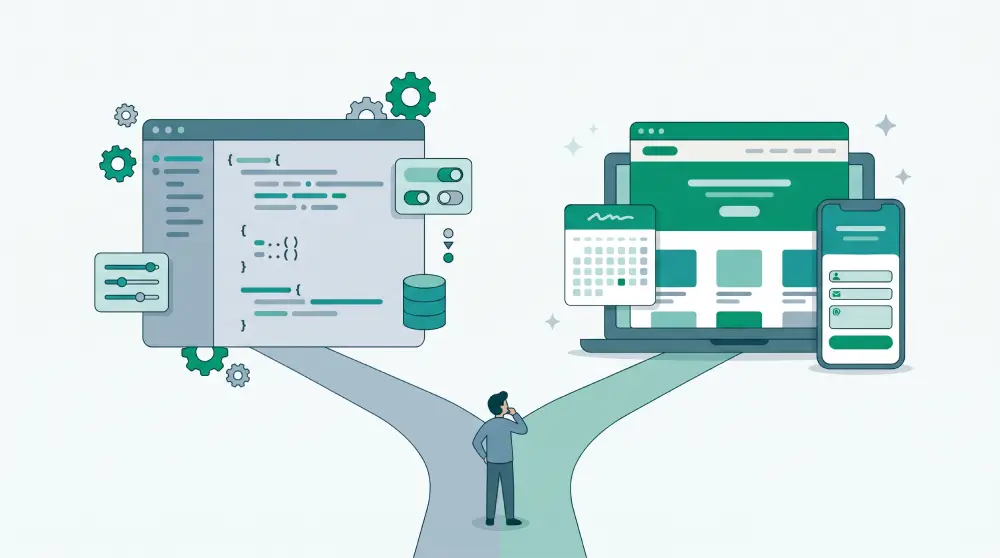
Short answer: if you're building a product, maybe. If you need a website for your business, probably not. Here's the reasoning.
(We make PageHub, which is a website builder, so we're not neutral. We'll try to be fair anyway.)
Lovable builds apps, and that's a different job
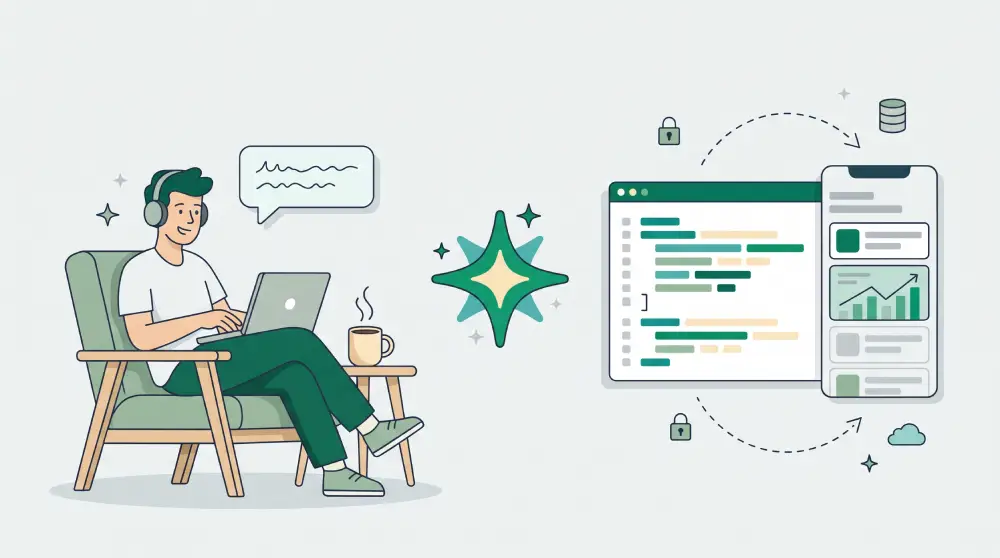
What you get from Lovable is a software project: real code, often hooked up to a database, that you keep extending with prompts and can push to GitHub. People call this "vibe coding". You steer, the AI types.
That's exactly what you want for a SaaS idea, an internal tool, or a prototype you need in front of users next week.
A business website is a different animal. A salon, a clinic, a coffee roaster or a consultancy usually needs pages that explain the business, a way to take bookings or orders, a blog that shows up on Google, and the ability to change a price on a Tuesday afternoon without breaking anything. None of that is custom software. It's the same handful of features almost every business needs.
Where the difference actually shows
Building features vs switching them on
Ask an app builder for bookings and it'll write you a booking system: calendar, time slots, what happens when two people pick the same slot, confirmation emails, an admin screen. Impressive. Also, now it's your code.
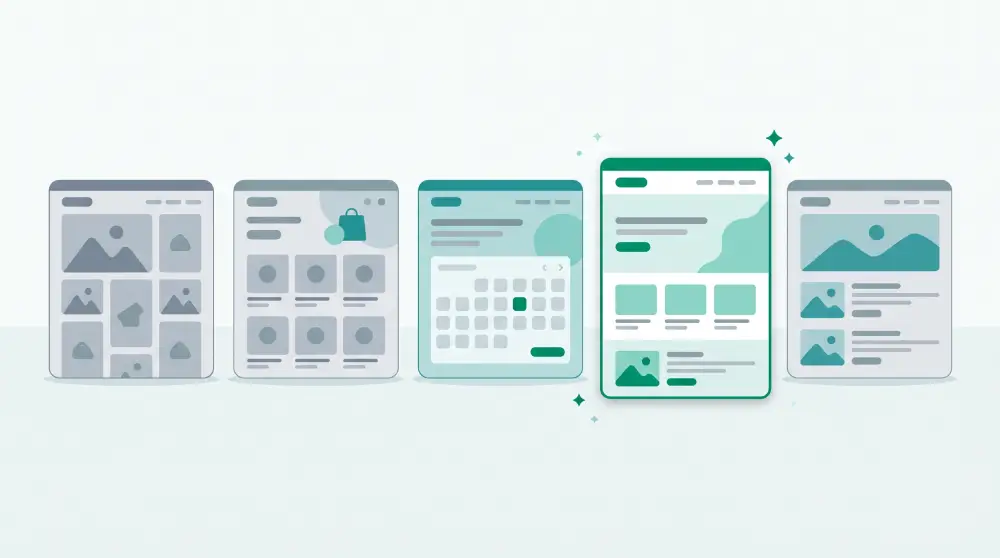
A website builder already has those pieces. In PageHub, bookings, a store, forms, a leads board and a blog are all there from the start. The AI designs your site, and the business parts just need switching on and setting up.
Who fixes it when it breaks
Generated code still breaks. A form stops sending, a total comes out wrong. If you can't read code, every bug becomes another prompt and some hoping. With a website builder, keeping bookings working is the builder's problem, not yours.
Everyday edits
Changing your opening hours shouldn't mean asking an AI to rewrite a component. In a website builder you click the text and change it. In PageHub you can also edit the HTML directly, or select one section and ask the AI to change only that part while the rest of the page stays exactly as it was.
Showing up on Google
Page titles, meta descriptions, share images, sitemaps, structured data, your own domain. A website builder handles these by default. With an app builder, they're things you have to know to ask for.
Cost over time
App builders usually charge by usage, so every prompt that writes or fixes code uses credits. That's reasonable when you're building software. It stings when you're spending credits to update a menu.
When Lovable is the right call
You're building a product rather than presenting a business. You need custom logic, user accounts or data models that no website builder offers. And someone on the team can read the code and look after it.
When a website builder is the right call
You need a business website with the usual pages. You want to sell, take bookings or collect leads without building those systems yourself. You want to make edits on your own. You care about Google from day one. Or you manage several client sites and need workspaces and white label.
Lots of teams use both
A common startup setup: the product lives in an app builder or a real codebase, while the marketing site, landing pages and blog live in a website builder. The product team keeps shipping, and marketing can launch a campaign page without waiting on a developer.
Example: a small yoga studio
Say a studio wants class bookings, a page for each teacher, a blog and a New Year promo.
With an app builder, the owner prompts their way to a booking system with class capacity, schedule rules, confirmations and an admin view. Then a blog. Then SEO. Then deploys it and keeps all of it running.
With PageHub, the owner describes the studio and gets the site, turns on bookings and sets each class to 15 spots (a 16th person simply can't book), adds the booking block to the schedule page and publishes. The promo gets its own landing page.
Both approaches work. One of them is a lot less homework.
Curious what PageHub would make for your business? Try it free, or see how it stacks up against other tools in our AI website builder comparison.