Add a section exactly where you want it
A plus button sits between every two sections. Click it, pick a block, and it lands in that gap.

Create & design
AI generation Visual editor HTML code mode Template galleryGrow & sell
Online store Blog & SEO Forms & leads CRM AnalyticsScale up
Custom domain Multi-language Team & roles White label See all featuresClick an element to select it, drag to reorder, and tune spacing, colour and type in the property panel. An outline tree keeps long pages navigable, and the block palette is derived by AI from the design you already have.
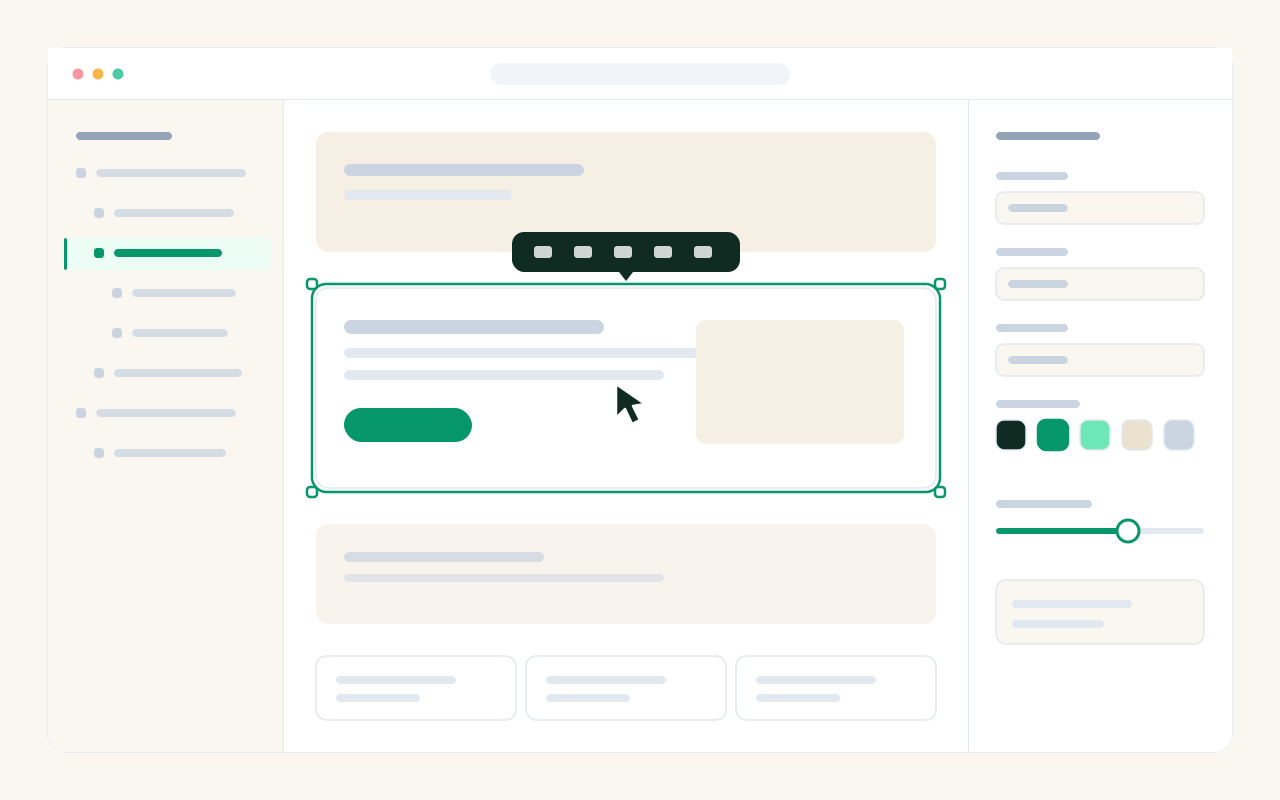
A plus button sits between every two sections. Click it, pick a block, and it lands in that gap.
The block list is made from your own design, so a new testimonial or pricing section looks like it was always there.
Select anything on the page and its settings open beside it. What you change is what gets published.