How to Build a Small Business Website with AI, Step by Step
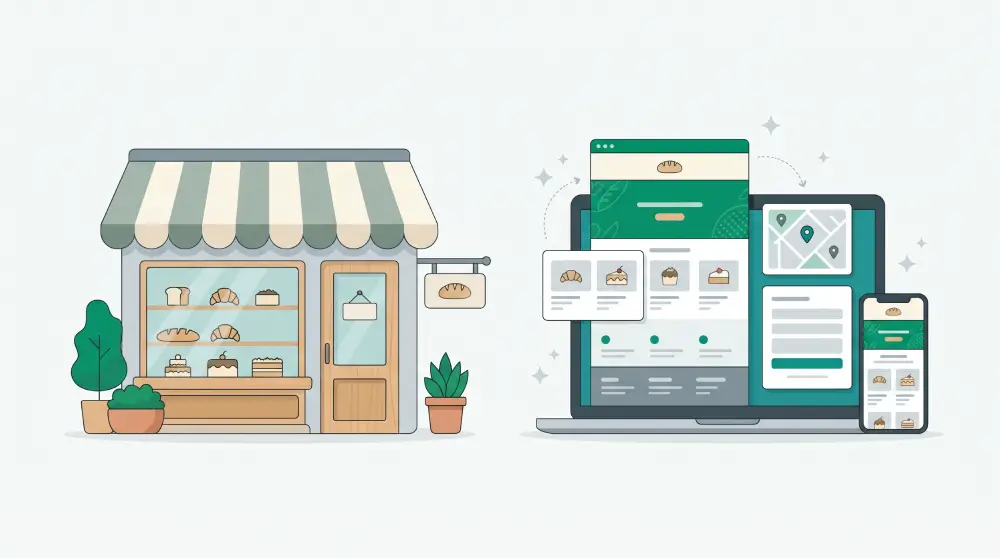
You can get a decent small business website online in an afternoon now. The AI part takes a few minutes. The rest of the afternoon goes into what AI can't do for you: your real prices, your real photos, and deciding what the site is actually for.
Here's how to build a small business website with AI, step by step.
1. Decide what the site is for
Before you open any tool, finish this sentence: "I want visitors to ___."
For most small businesses the answer is one of four: get in touch, book something, buy something, or come by in person. A plumber wants calls. A salon wants bookings. A bakery might want pre-orders. A hardware store mostly wants you to know where it is and when it closes.
Write it down. That one answer decides which pages you need, what your buttons say and which features you turn on.
2. Collect the facts first
AI can write a convincing first draft. It has no idea what your opening hours are. Gather these before you start and everything goes faster:
- Business name, one sentence on what you do, and where
- Your main services or products, and prices if you show them
- Phone, WhatsApp, email, opening hours, social links
- Your logo and five to ten decent photos
- Two or three real customer reviews
- Whatever sets you apart: years in business, certifications, a guarantee
3. Keep the page list short
Most small business sites need four or five pages: Home, Services or Products, About, Contact, and ideally a Blog. You can always add more later. A small site that's finished beats a big one that's half placeholder text.
4. Give the AI a proper brief
What you get back depends almost entirely on what you type in. Compare:
"A website for my bakery."
"A website for Rosa's Bakery, a family bakery in Leeds since 1998. We sell sourdough, pastries and custom celebration cakes. Customers can order cakes online for pickup. Warm, homely tone. Pages: Home, Our Bakes, Celebration Cakes, About, Contact."
The first one gets you a generic bakery. The second gets you something close to Rosa's.
In PageHub, you type a brief like that, answer a couple of follow-up questions, check the page plan, and the AI builds the site: header, footer, colours and every section on every page. If there's a site whose look you love, add "in the style of example.com" and it'll pick up that site's colours, fonts and spacing. It won't copy their text, logo or images.
5. Go through it line by line
This is where most of your afternoon should go.
Replace every fact the AI guessed: prices, addresses, years, claims. Never publish a number you didn't put there yourself.
Swap stock photos for your own wherever you can. A slightly imperfect photo of your actual shop does more for trust than a flawless stock image.
Read the copy out loud. If a sentence doesn't sound like something you'd say to a customer, rewrite it.
For bigger changes, don't regenerate the whole page. In PageHub you can select one section, like the pricing block, and ask the AI to rework just that. Everything else stays put.
6. Turn on the part that makes money
Go back to step 1.
If you want enquiries, add a contact form and send yourself a test. PageHub puts submissions in a leads board, so you can see who's new, who you've replied to and who became a customer.
If you want bookings, set your hours, appointment length and how many people you can take at once, then put a booking block on whichever pages make sense.
If you want sales, add products with variants and prices. Customers order through a checkout and get an invoice.
7. Do the SEO basics
You don't have to become an SEO expert. You do have to do these:
- A unique title and description on every page saying what you do and where, like "Celebration cakes in Leeds | Rosa's Bakery"
- A share image, so your link looks good on WhatsApp and Facebook
- Short, readable URLs like /celebration-cakes
- Your sitemap submitted to Google Search Console
- A Google Business Profile that links to the new site, if you serve local customers
PageHub previews how each page will look in Google and when shared, and generates the sitemap and structured data for you.
8. Connect your domain and test on your phone
Buy a domain that's short and easy to spell, connect it and publish. Then pick up your phone and use the site like a customer would: tap every button, send the form, make a test booking or order. Most problems turn up in the first five minutes of doing this.
9. Don't let it go stale
Update prices and hours the day they change. Write a short blog post whenever a customer asks something you've answered ten times already. Give each promotion its own landing page (here's what a landing page is and when you need one). Look at your visits and leads once a month. That's enough to keep the site pulling its weight.
Before you hit publish
- Every price, address, phone number and opening hour is right
- The main button is visible on the home page without much scrolling
- The form, booking or checkout works end to end
- Every page has its own title and description
- It looks right on a phone
- Your own domain is connected
Ready? Describe your business in PageHub and see a first draft in a few minutes.