What Is a Landing Page? (And When You Actually Need One)
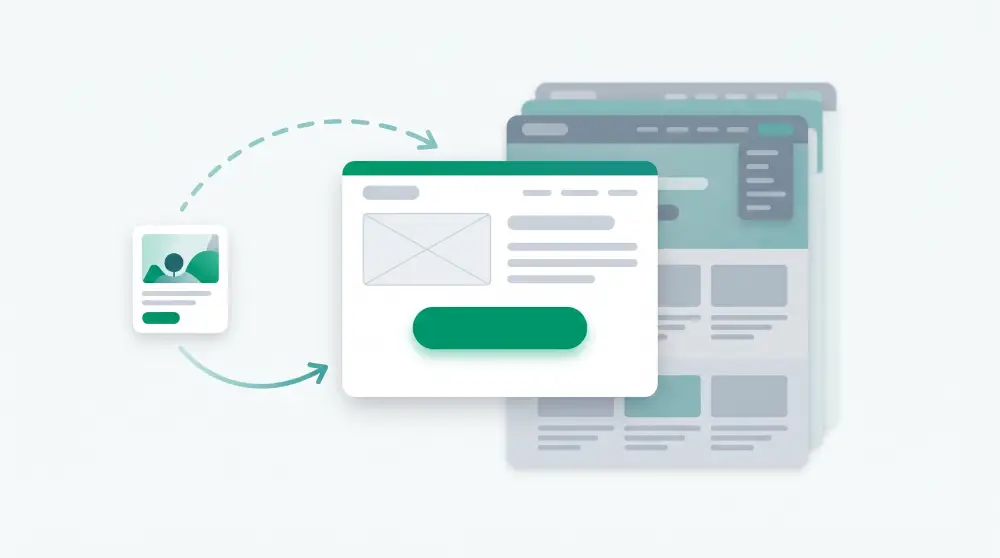
A landing page is a web page with exactly one job.
Someone clicks your ad, your newsletter, the link in your Instagram bio, and lands on a page. That page asks them to do one thing: book a call, claim a discount, sign up for the workshop. There's no menu to wander off into, no blog, no founder story. Just the offer and a button.
That's really all a landing page is. The rest of this article is about doing it well, because most landing pages fail for boring reasons that are easy to fix.
Landing page vs website
Your website is for people who want to look around. A landing page is for people who already said "tell me more" about one specific thing.
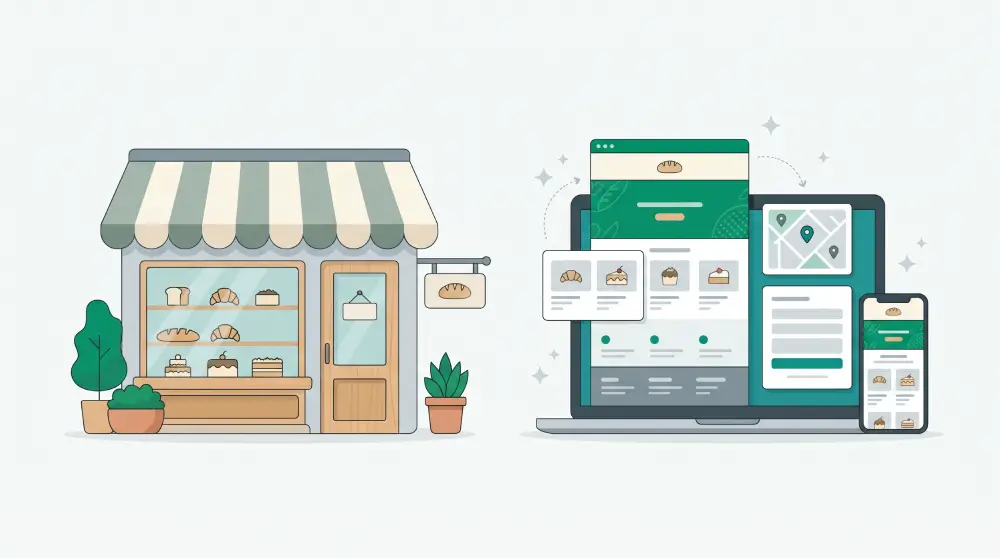
Take a bakery. The website has the full menu, the opening hours and the story of how the family started it. The landing page is the one linked from the holiday ad: "Pre-order cookie hampers for pickup this weekend." Someone who clicked that ad doesn't want the family history right now. They want the hamper, the price and an order button.
That's why businesses that advertise usually end up with one website and a growing pile of landing pages, one per campaign.
What to put on a landing page
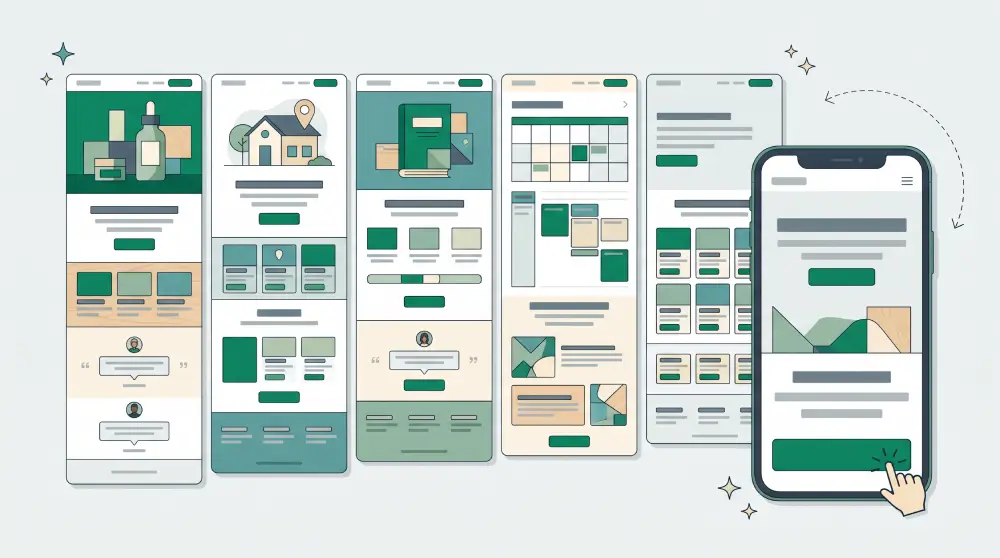
Good landing pages can look completely different from each other, but the ones that work tend to get the same few things right.
A headline that matches what they clicked
If the ad says "Free 30-minute bookkeeping review", the page should open with the free 30-minute bookkeeping review. Not your company slogan. When the page doesn't match the click, people assume they're in the wrong place and hit back. It's probably the most common landing page mistake, and the cheapest one to fix.
The benefit, in the customer's words
"Cloud-based accounting software" is how you'd describe the product. "Know where your money went this month" is what the customer actually wants. Lead with that.
One button
Make the action specific. "Book my free review" works better than "Submit". Repeat the button further down for people who scroll, but don't add a second goal like "or follow us on Instagram". Every extra option pulls attention away from the one you care about.
A reason to trust you
A couple of real reviews, logos of clients you've worked with, how many customers you've served, a guarantee. People are suspicious of strangers online, and fair enough.
Answers to "yeah, but…"
How much is it? How long does it take? Can I cancel? A short FAQ near the bottom handles the doubts that otherwise stop people right before the button.
A short form
Ask for what you need right now and nothing else. A name and a phone number is often enough to start a conversation. Company size and budget can wait for the call.
Landing page best practices people skip
Check it on your phone first. Most clicks from social media and chat apps happen on mobile. Can you reach the button with your thumb? Is the form a pain to fill in?
Keep it light. A big background video looks great on your laptop and takes forever on mobile data.
Fill in the title, description and share image. That's what appears when someone forwards your link on WhatsApp or posts it on Facebook. Skip it and the link shows up as a bare grey line nobody taps.
Count something. At minimum, know how many people visited and how many filled in the form. Then change one thing at a time, say the headline, and watch the number. Change five things at once and you'll never know which one helped.
Types of landing pages
- Lead pages: a free consultation, quote or checklist in exchange for contact details
- Sales pages: one product or package with a buy button
- Event pages: workshops, webinars, classes, launches
- Waitlist pages: checking whether anyone wants the thing before you build it
- Promo pages: a seasonal offer that comes down when the campaign ends
Do you need a landing page or a website?
If you're testing an idea or running one campaign, start with a landing page. It's quicker to build and much easier to measure.
If you want people to find you on Google and get to know the business, you need a proper website, ideally with a blog.
If you advertise regularly, you'll want both. The website is home base, and each campaign gets its own landing page so the ad and the page always say the same thing.
Building one without a developer
You can write the copy yourself and drop it into a template, or let an AI builder draft a first version and edit from there. Either way, the thinking above matters more than the tool.
In PageHub, a landing page sits outside your main website with its own design, so you can make a new one for each campaign without touching the site. Describe the offer in a sentence ("free 30-minute consultation for café owners, book a call"), let the AI draft the page, then fix the wording in the visual editor or straight in the HTML. Form submissions land in a leads board rather than your inbox, which helps a lot when the campaign works and you suddenly have forty people to call back.
Would rather start from a design? Have a look at the landing page templates.
Quick answers
Is a landing page the same as a homepage?
No. A homepage introduces the whole business and links to everything. A landing page focuses on one offer and usually has no navigation at all.
Can a landing page rank on Google?
It can, but most are built for ad traffic and campaigns rather than search. If you want visitors from Google, a page or blog post that answers one specific question usually does better.
How long should a landing page be?
Long enough to answer the visitor's doubts. A free checklist needs a few lines. An expensive service needs more explanation, more proof and a proper FAQ.