How to Start an Online Store for a Small Business (and Pick the Right Builder)
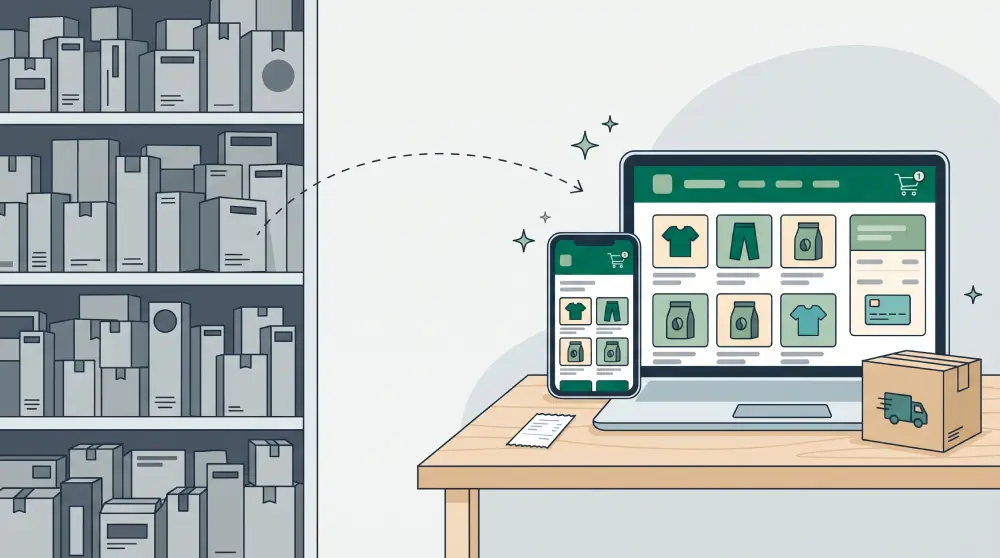
"Online store" is one of the most searched terms in our space this month, and searches for "best ecommerce website builder for small business" are up more than 300%. A lot of the people searching already sell somewhere, on Etsy, Amazon, Instagram or a local marketplace, and are asking the same thing: do I need a store of my own, and which tool should I build it with?
Short answer: if some of your customers already buy more than once, yes. Here's why, what to look for in a builder, and how to launch.
Marketplaces and your own store aren't rivals
Marketplaces are great at one thing: getting you found by people who don't know you yet. The traffic is huge, shoppers already trust the checkout, and platform promotions can lift sales overnight.
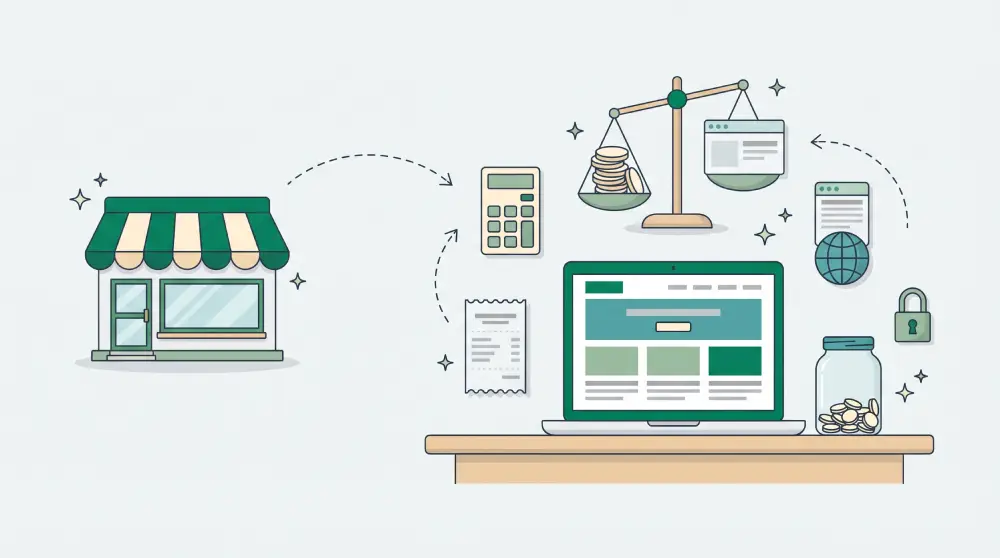
But on a marketplace, the buyer is the platform's customer, not yours. Your listing sits next to dozens of similar products, the platform sets the rules and the fees, and you usually can't reach past buyers to tell them about something new.
Your own store complements that. People who already trust you, from social media, email or a second marketplace order, can buy somewhere that carries your brand and nobody else's products. Keep the marketplace for discovery. Use your store for the relationship.
What a small business store actually needs
- A tidy catalogue. Categories, clear photos, and descriptions that answer the questions about size, material and use.
- Variants and stock. Sizes, colours or flavours, each with its own price and stock count.
- Volume pricing if you sell to trade or bulk buyers.
- A cart and checkout that records the order, so you're not copying details out of a chat.
- Payments through a gateway like Stripe or PayPal, or bank transfer with confirmation.
- Shipping, either calculated from your address to the buyer's, or a clear flat rate.
- Invoices and order status buyers can check without messaging you.
- Abandoned-cart tracking, so you can see who nearly bought and follow up.
How to choose an ecommerce website builder
Most small shops don't need the most powerful platform. They need one they'll actually keep updated. Ask these questions:
- What does it cost all-in? Add the monthly plan, transaction fees on top of your payment gateway's fees, and paid apps you'd need for basics like reviews or shipping. Plugins add up quickly on app-store platforms.
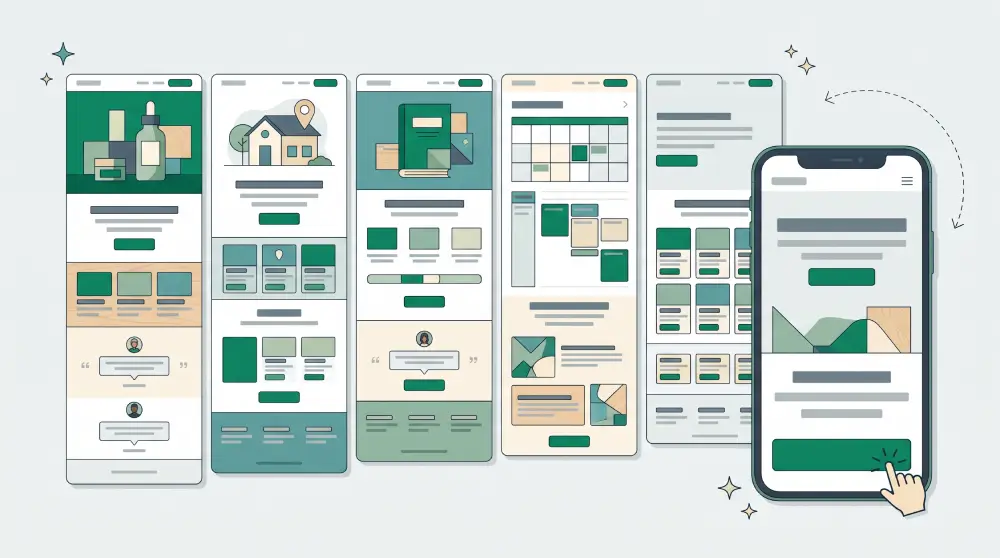
- Is the store part of the website? A store bolted onto a separate site means two designs to keep in sync. The product pages, cart and checkout should look like the rest of your brand.
- Can you change things yourself? Swapping a price, adding a product or changing a banner shouldn't need a developer.
- Which payment gateways does it support in your country? Check before you build, not after.
- Can you sell in your own currency? And are prices stored exactly as you set them, not converted on the fly?
- What happens as you grow? Look at product and order limits per plan, and whether going over a limit blocks checkout or just nudges you to upgrade.
A step-by-step launch plan
1. Start with your best sellers
You don't need the whole catalogue on day one. Start with the 10 to 20 products people reorder most. Reuse your marketplace photos and descriptions, then rewrite them for your own customers.
2. Set up shipping properly
Add a weight, and ideally box dimensions, to every variant. If you offer flat rates, write them on the product page so nobody is surprised at checkout.
3. Connect payments and test a real order
Put a small order through yourself, end to end, and check the confirmation email, the invoice and how it shows up in your dashboard.
4. Make the store match the brand
Same colours, fonts and tone as the rest of the site. A checkout that looks different feels like being sent somewhere else, and that's when people abandon carts.
5. Send your existing customers there first
Put the link in your bios, email your customer list, and tuck a card with a small discount into marketplace parcels. Repeat buyers are the visitors most likely to order first, and their orders tell you if anything in the checkout is confusing.
6. Do the SEO basics for product pages
Give each product its own title and description written for search, use real photos with descriptive file names, and make sure your sitemap includes product pages. Structured data that shows price and availability in search results helps too.
Hire an agency or do it yourself?
An agency makes sense if you need custom integrations or a truly unique design. For most small shops, though, the problems start after launch: every price change or new product means waiting on someone else. A store you can run yourself tends to stay alive.
Online stores on PageHub
An online store is included in every PageHub plan. You get products with variants and volume pricing, a cart and checkout, payment gateways including Stripe and PayPal or bank transfer, invoices buyers can look up, abandoned-cart tracking, and a store currency of your choice. Product pages, sitemap entries and product structured data are generated for you. The store pages are written by AI to match your site's design, and you can still edit every template yourself. See PageHub's online store features.