How to Make a Wedding Website Guests Will Actually Use
"Wedding website" is one of the most consistently searched terms in our space, and interest in digital invitations is climbing as the end-of-year wedding season gets going.
A wedding website has one big advantage over a printed card or a PDF: everything lives behind one link. Guests can check the venue, RSVP and leave a message without each of them messaging you.
What it has to include
- Your names and the date on the first screen, large and clear.
- Time and place for the ceremony and reception. If they're separate, list both.
- A map with a button that opens straight in Google Maps. It's the part guests open most on the day.
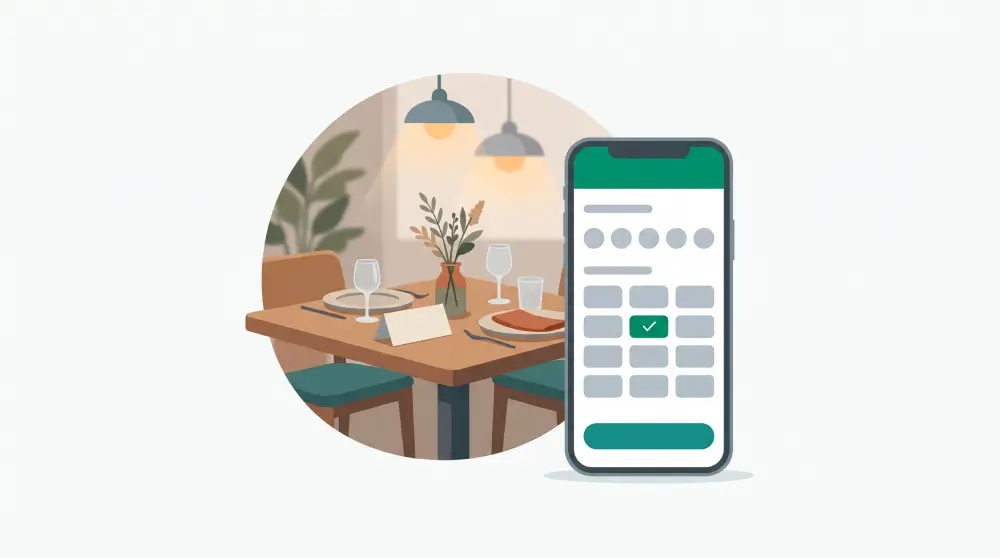
- An RSVP form: name, number of guests, attending or not, and a message.
- A countdown to the big day.
What makes it feel personal
- Your story in three to five moments, each with a photo.
- An engagement photo gallery. Compress the photos first so the page loads fast on phones.
- Gift information: a registry link or bank details, with a button to copy the account number.
- Dress code and schedule if you have them.
- A livestream link for family who can't travel.
- Travel and accommodation tips for out-of-town guests.
A note on background music
Lots of invitation templates try to autoplay music. In practice, phone browsers block audio that starts before the visitor taps the screen. The fix: put an "Open invitation" button on the first screen and start the music only after it's tapped. Always include a button to turn it off.
How to build your own wedding website
- Gather everything: full names, parents' names if you're including them, the date, both venue addresses, Google Maps links, 10 to 20 photos and gift details.
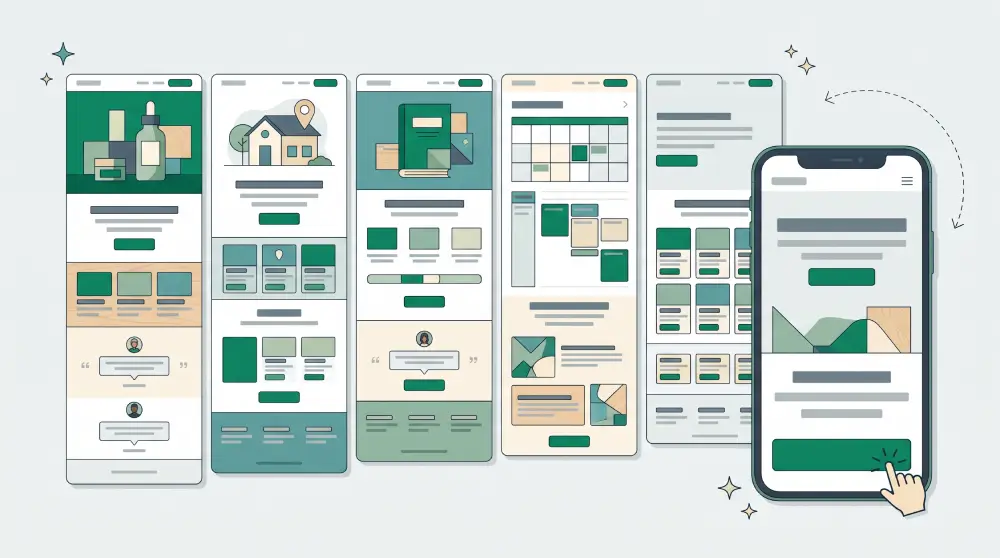
- Pick a template or let AI draft it. Describe the style you want, such as "elegant, white and sage green, modern classic".
- Add the RSVP form and check that replies land somewhere you can see them all.
- Use an address that's easy to remember, like both your names.
- Set the share image and title. The link will be sent around in chats, and a link that shows your photo gets opened far more than a bare URL.
- Test it on several phones before you send it, including your parents'.
Personalised guest names
Some invitations greet each guest by name on the first screen. That's usually done by adding the guest's name to the end of the link. If you do it, check that names with spaces and titles display correctly, and never put anything in the link beyond the name.
Not just for weddings
The same approach works for birthdays, christenings, reunions, anniversaries and company launches. If you sell invitation design as a service, each invitation can be its own landing page, with RSVPs for every event kept separate.
Making a wedding website on PageHub
A wedding website is really a landing page: one page, one purpose. On PageHub you can have AI build it from a description of your event, edit it in the visual editor, add an RSVP form whose replies collect on your Leads board, and set the share image before you send it out. See also PageHub for events.