A workspace per client
Websites, landing pages, forms and files are grouped by workspace. Switching workspace changes the whole screen.

Create & design
AI generation Visual editor HTML code mode Template galleryGrow & sell
Online store Blog & SEO Forms & leads CRM AnalyticsScale up
Custom domain Multi-language Team & roles White label See all featuresGive each client their own workspace, and the whole screen follows when you switch — websites, landing pages and media. Invite teammates as editor or viewer, per website or per workspace, so nobody sees a client that is not theirs.
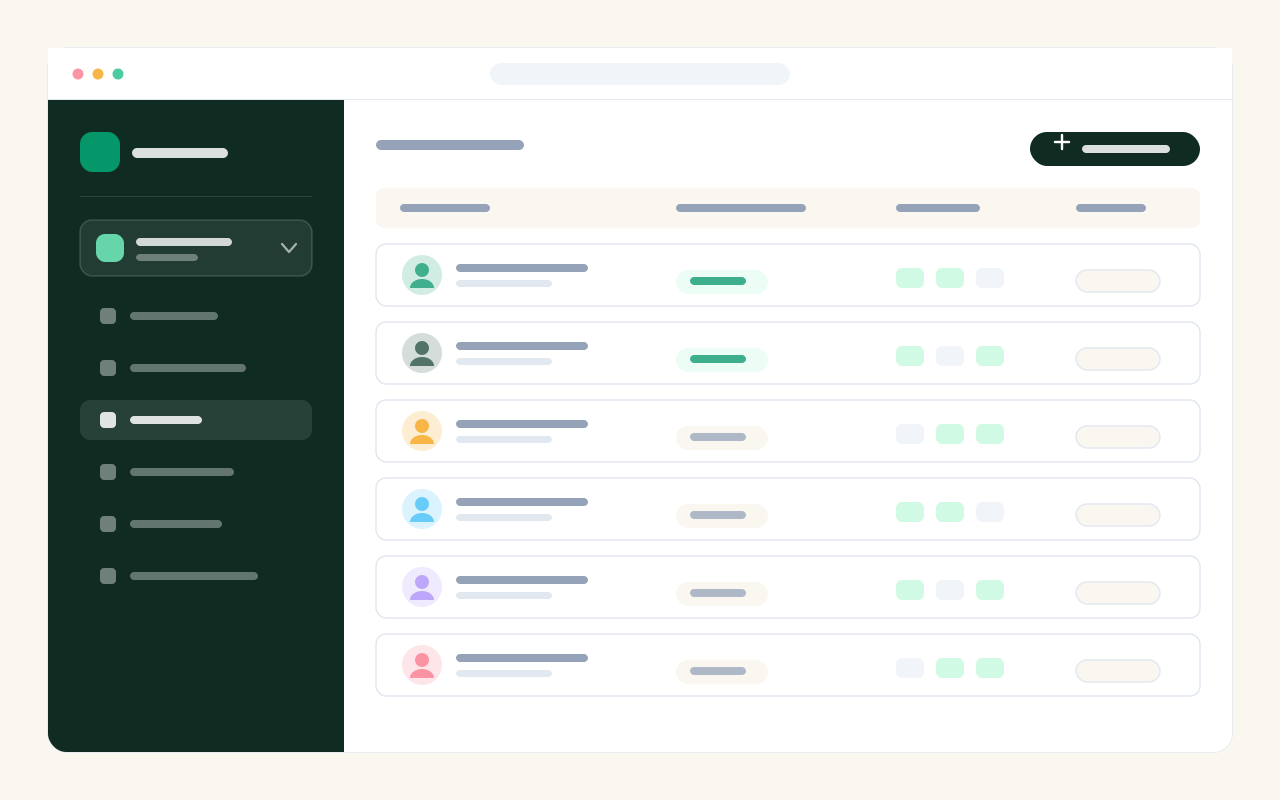
Websites, landing pages, forms and files are grouped by workspace. Switching workspace changes the whole screen.
A team member sees only the sites they were given, with the right to edit or just to look.
Limits and billing stay with the account, however many workspaces you run.