Bring a site you already have
Paste existing HTML into a page and carry on from there, in code or in the visual editor.

Create & design
AI generation Visual editor HTML code mode Template galleryGrow & sell
Online store Blog & SEO Forms & leads CRM AnalyticsScale up
Custom domain Multi-language Team & roles White label See all featuresHTML is the page's source of truth, not a proprietary block format — so code mode shows you the real thing and the two modes never drift apart. And when you want to leave, you can: export a single page or an entire website as working HTML.
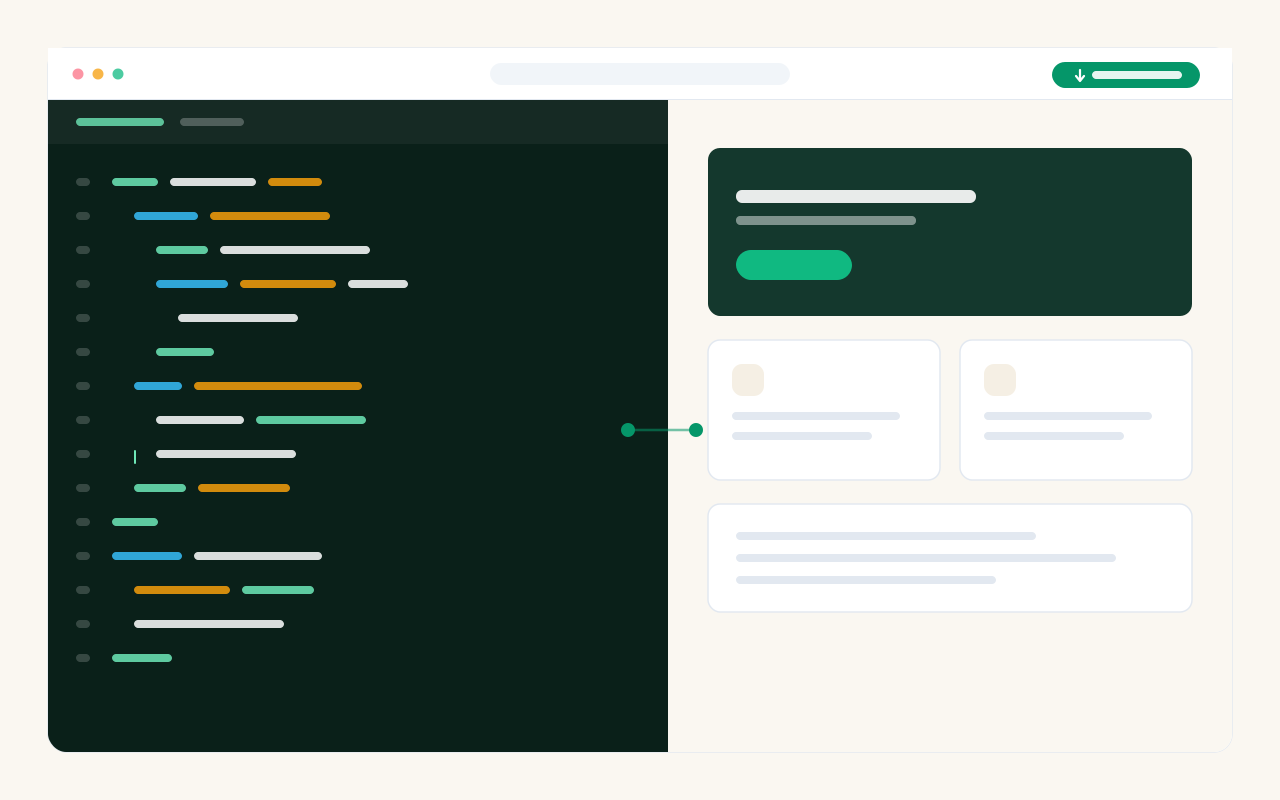
Paste existing HTML into a page and carry on from there, in code or in the visual editor.
A website shares one CSS file and one script file, so a change to a button style reaches every page.
Code, visual and AI all edit the same page. Nothing is locked to the mode it was created in.