
Everything from the first page to the first order.
Twelve capabilities across three stages — build the site, sell and manage from it, then scale it into a product of your own.
12
Capabilities, one subscription
10
Reports on traffic, sales and AI
100%
Your HTML, exportable any time
8
Languages, right-to-left included
Get a real page, fast.
The AI writes the first draft; the visual editor and code mode make it yours. Nothing here locks you in — HTML is the source of truth, and you can take it with you.
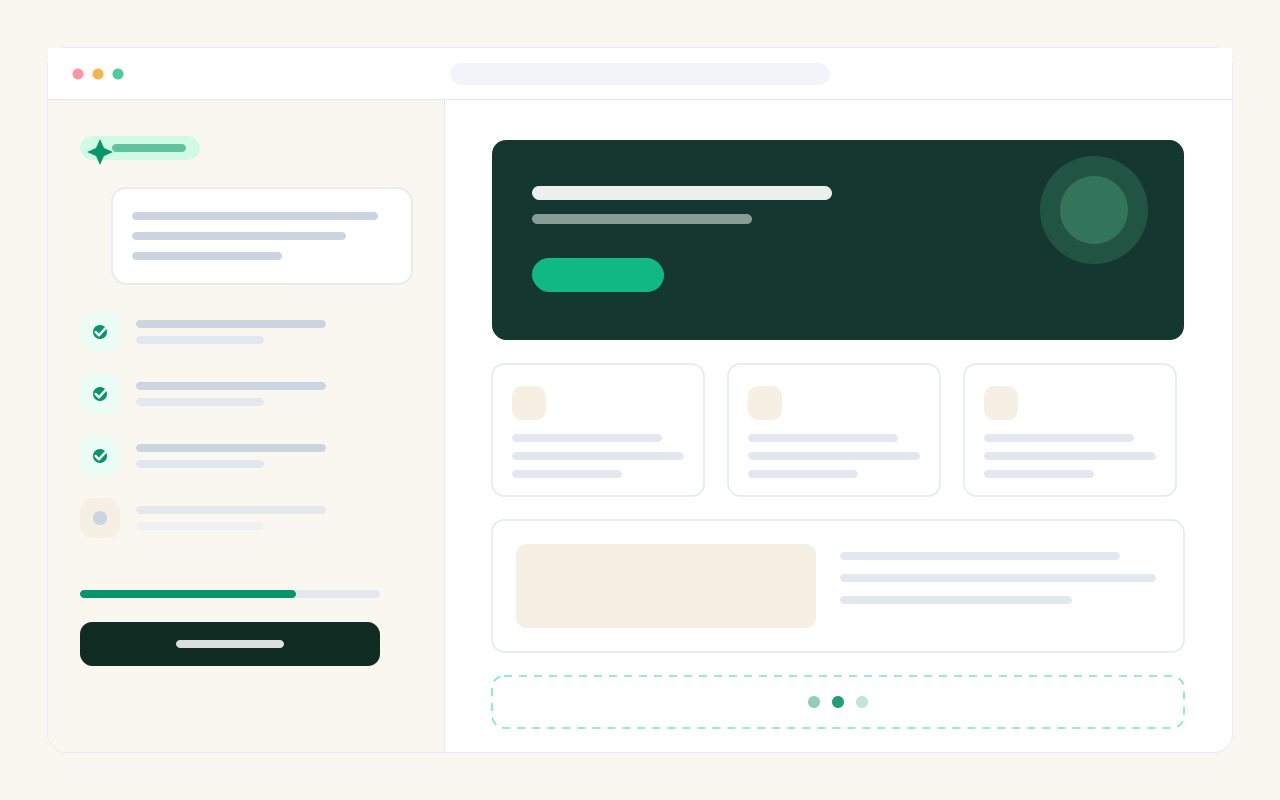
Generate with AI
Describe the business and the AI composes structure, copy and design straight into HTML, section by section — like briefing a designer. The first section locks the visual style and the rest inherit one global stylesheet, so a long page still reads as one design.
- Structure, copy and layout in a single pass
- Pick the engine: Claude, ChatGPT or DeepSeek
- Every result stays fully editable afterwards
Visual editor
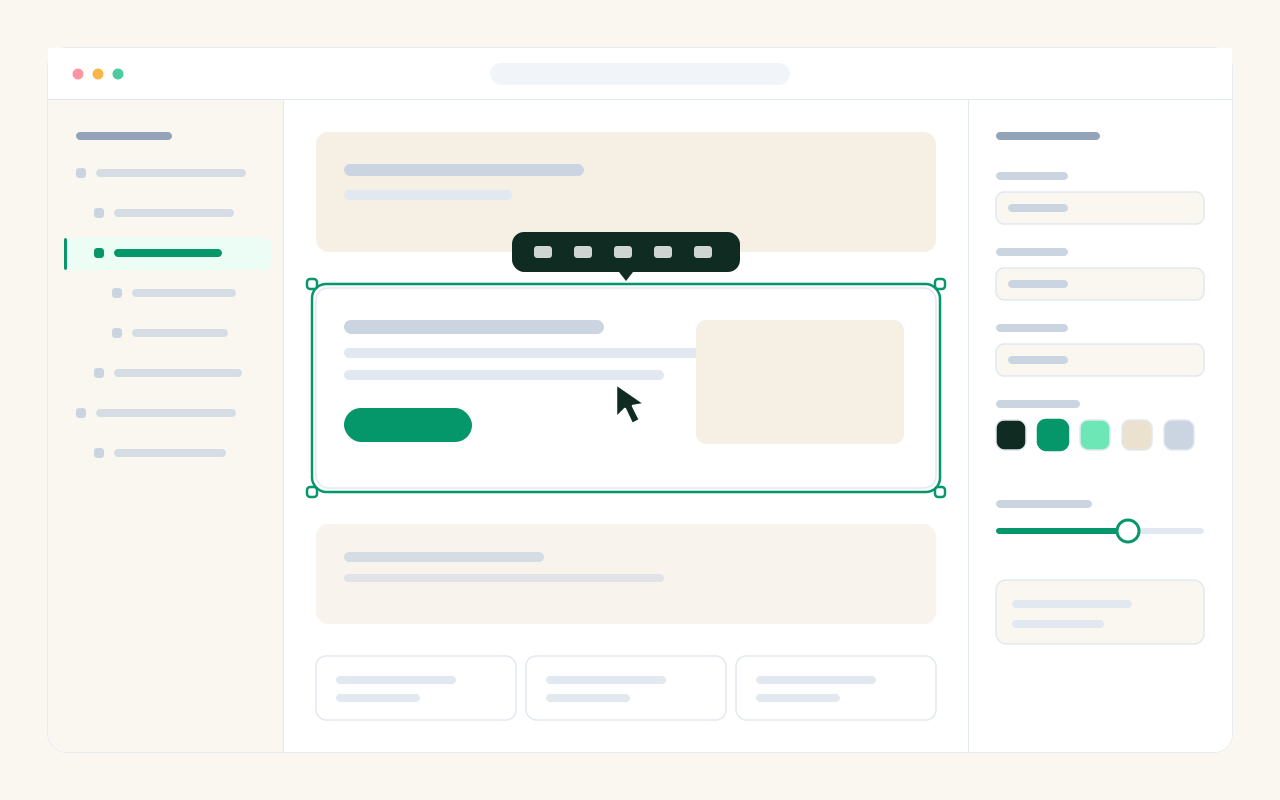
Click an element to select it, drag to reorder, and tune spacing, colour and type in the property panel. An outline tree keeps long pages navigable, and the block palette is derived by AI from the design you already have.
- Select, move and edit without touching code
- Property panel for spacing, colour and type
- A block palette that matches your own design
- Drop a new section anywhere with the + between blocks
Code mode & full export
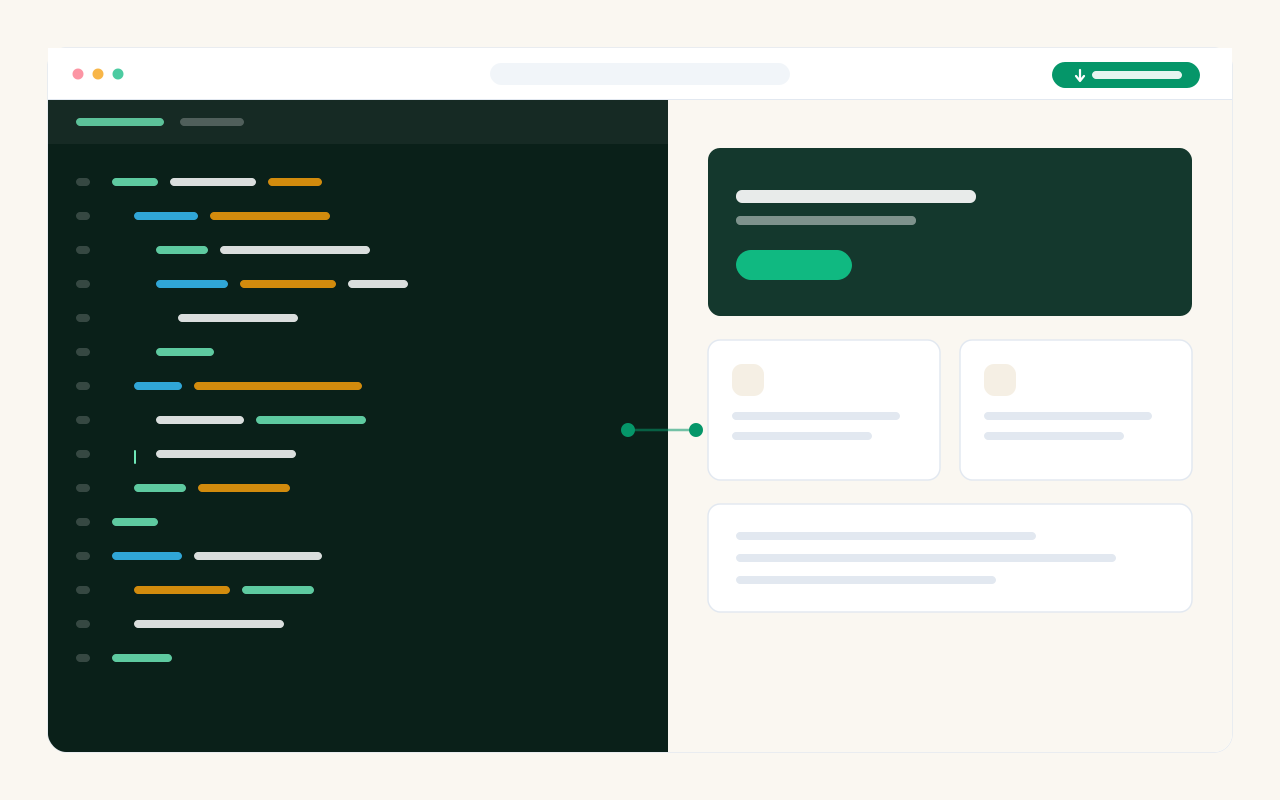
HTML is the page's source of truth, not a proprietary block format — so code mode shows you the real thing and the two modes never drift apart. And when you want to leave, you can: export a single page or an entire website as working HTML.
- Full HTML and CSS, always in sync with visual mode
- Export one page or a whole site, any time
- No lock-in — most builders structurally cannot offer this
Templates & media library
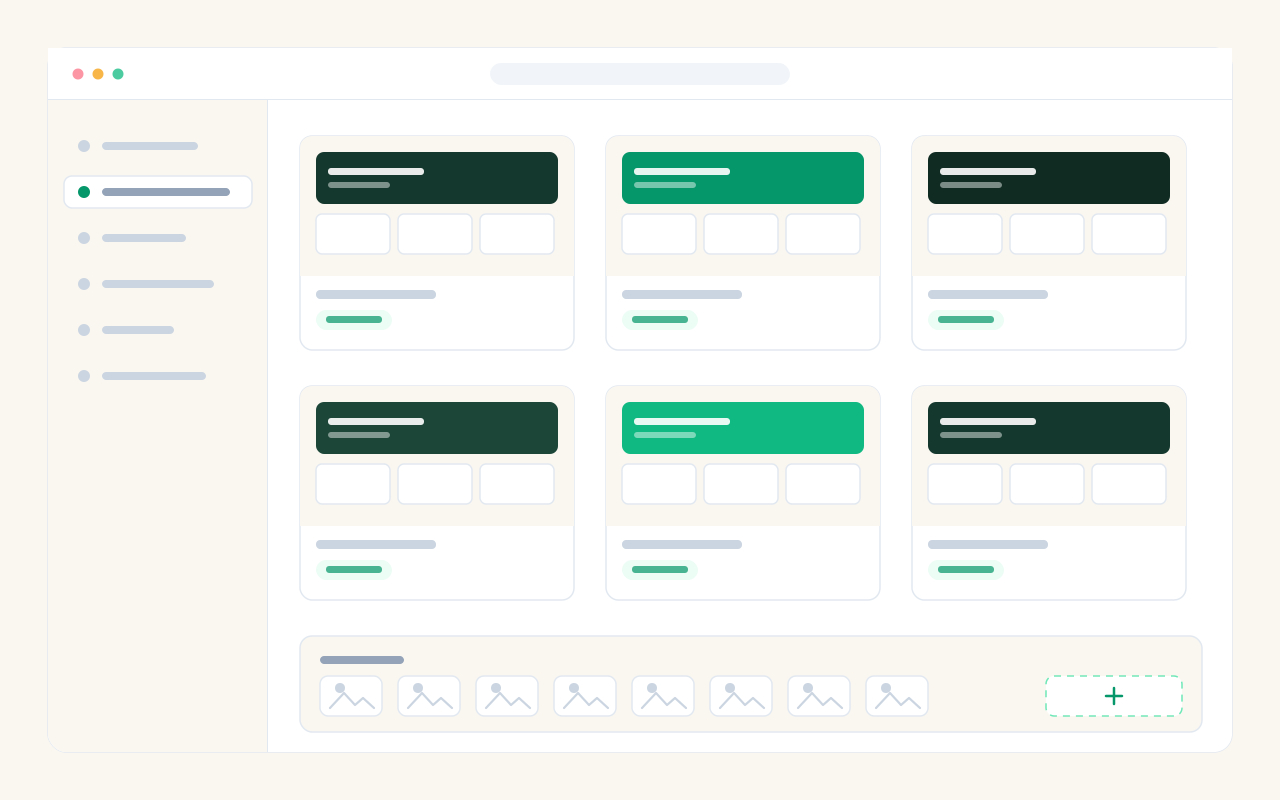
Start from a ready-made website or landing page instead of an empty canvas, or save your own design as a template and reuse it across clients. Images live in a folder-based media library you can pull from on any page.
- Website and landing page galleries, ready to use
- Save your own designs as reusable templates
- Folder-organised media, reusable anywhere
The part most builders leave to someone else.
A page that only looks good is a brochure. These four turn it into something that takes orders, captures enquiries and reports back on both.
Online store
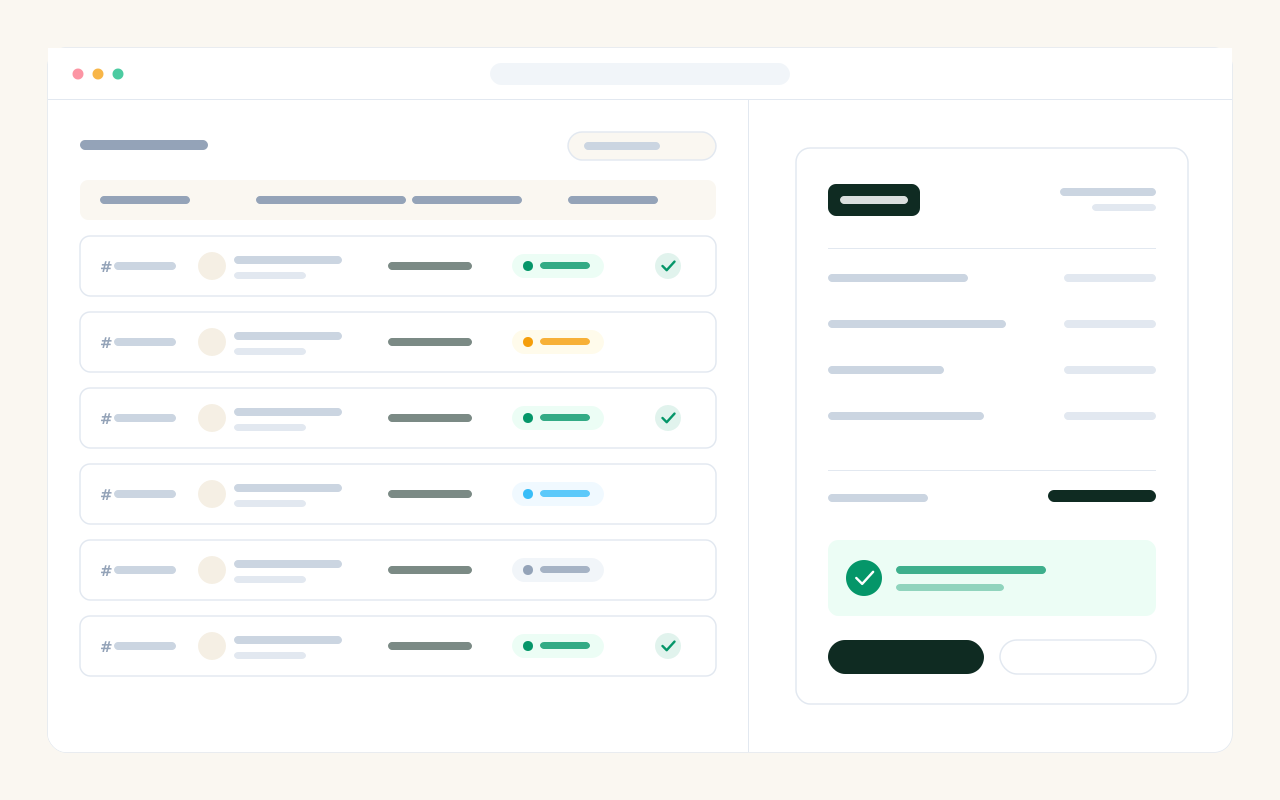
Products with variants, tiered wholesale pricing, cart and checkout, stock that actually decrements, and printable invoices. Buyers get a public invoice page they can open with their invoice number — to pay, upload proof of transfer, or cancel.
- Variants, wholesale tiers, stock and order statuses
- Printable invoices and a public invoice page for buyers
- Manual bank transfer or card — you choose which
Forms become a lead pipeline
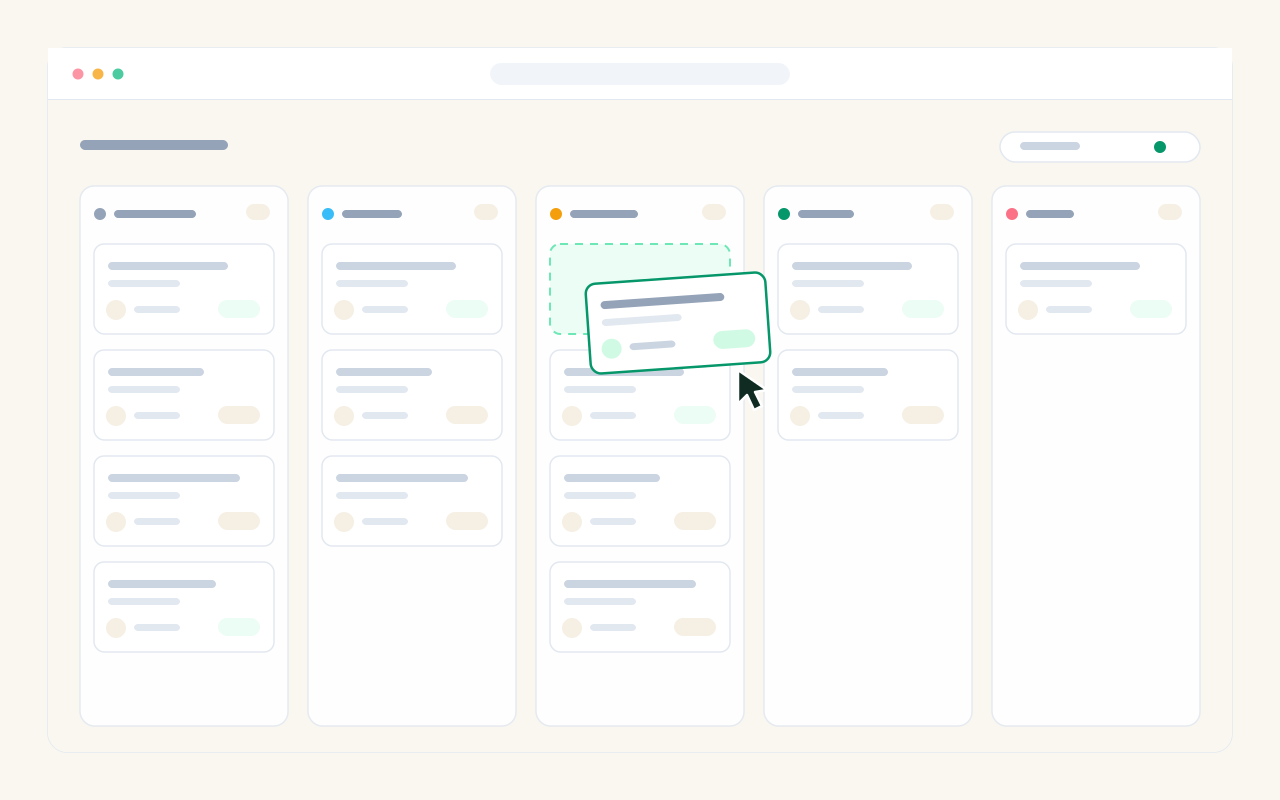
Every form on a published page saves what people send — but it does not stop at an inbox. Submissions land on a kanban board with stages you define, notes, an owner, and an age marker that flags the ones going stale.
- Stages you name, with won / lost recorded as data
- Notes, an owner, and a marker for stale leads
- Board or list view, per website or landing page
Ten reports
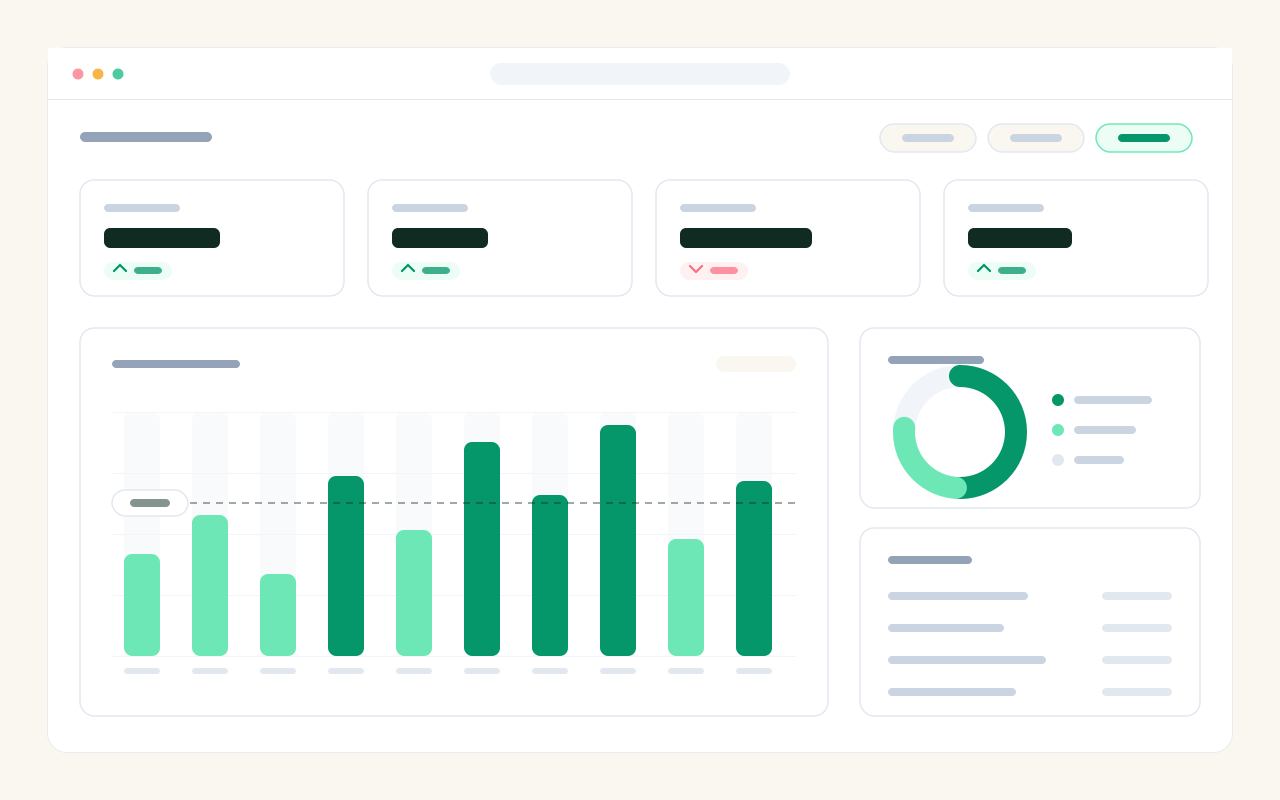
Traffic and content, lead conversion, products per order and revenue, product trends, transactions, period analysis, timeline, abandoned carts and AI usage. Percentages come back empty rather than zero when there is nothing to divide — a fake 0% is worse than a blank.
- Audience, sales and AI usage in one place
- Daily traffic, not just an all-time counter
- Charts follow your theme, in light and dark
Blog & technical SEO
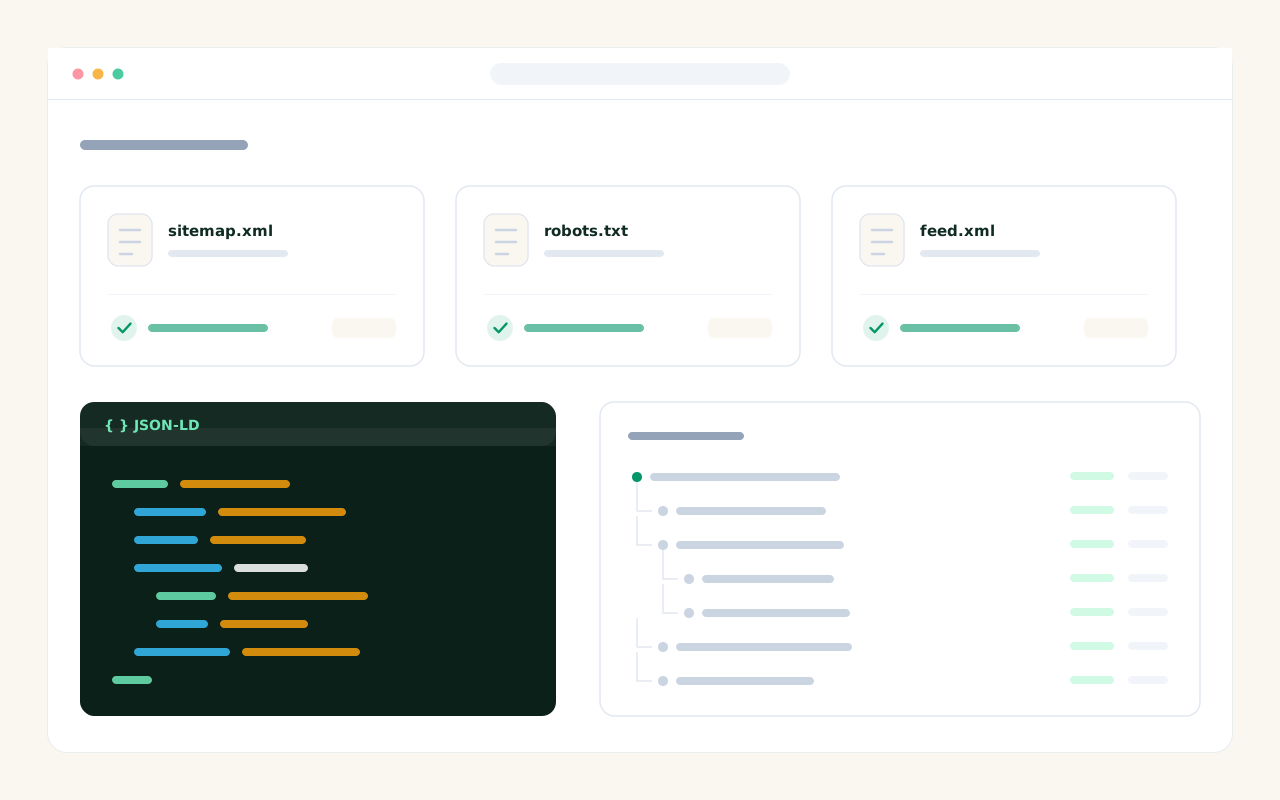
Every website ships with a blog, and the crawler files are served live from the database — sitemap.xml, robots.txt and feed.xml can never go stale. Canonical tags, Open Graph and JSON-LD are generated from what is actually on the page, so prices in the markup match the ones a visitor sees.
- A blog with categories, on every website
- sitemap.xml, robots.txt and feed.xml served live
- JSON-LD for articles, products and breadcrumbs
- Headings H1–H6 and images straight from your media library
From one site to a business you run on it.
Your own address, your own team, your own brand — and eight languages, so a client in Berlin and one in Riyadh get the same product.
Publish & custom domain
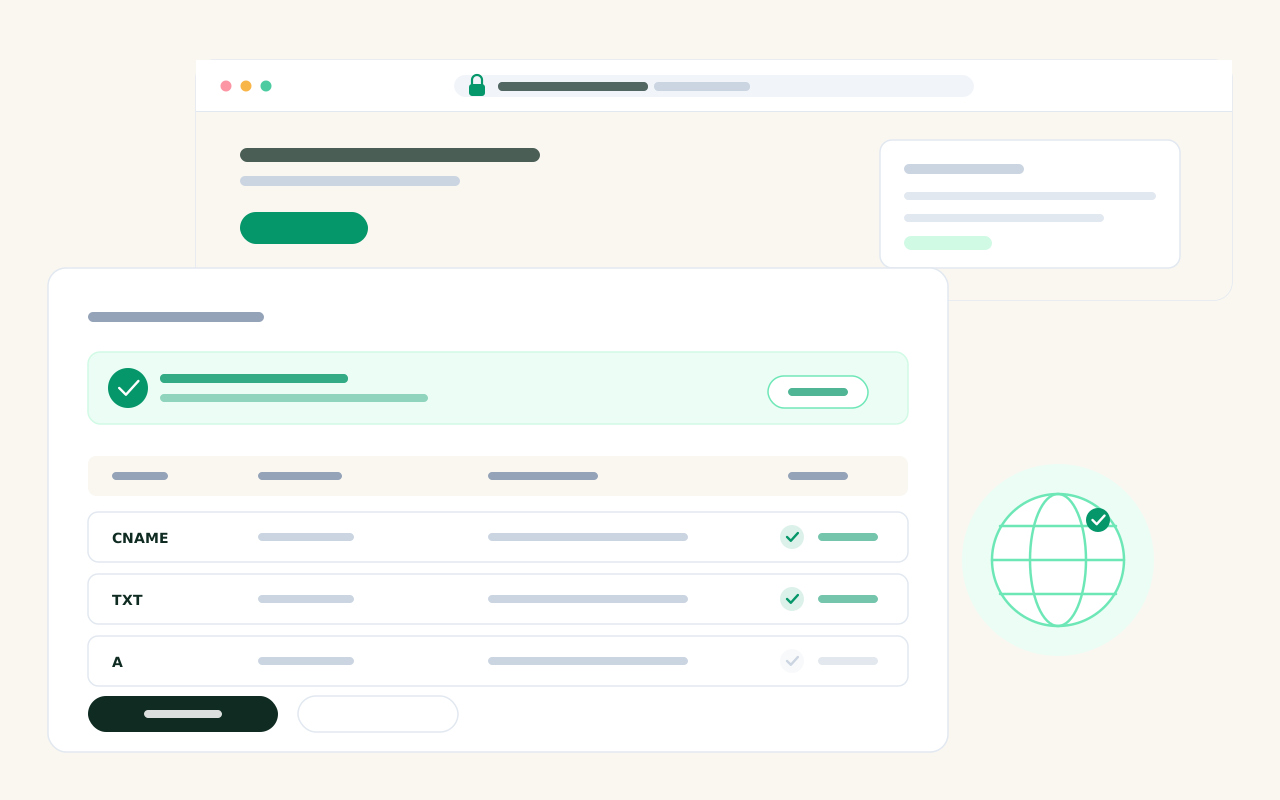
One click puts a page on a public URL. Connect your own domain through DNS verification and the site is served from your address — canonical tags, sitemap entries and redirects all follow it automatically.
- One-click publish to an instant public URL
- Custom domain through DNS verification
- Published pages served from memory — no query per visitor
Workspaces, team & access
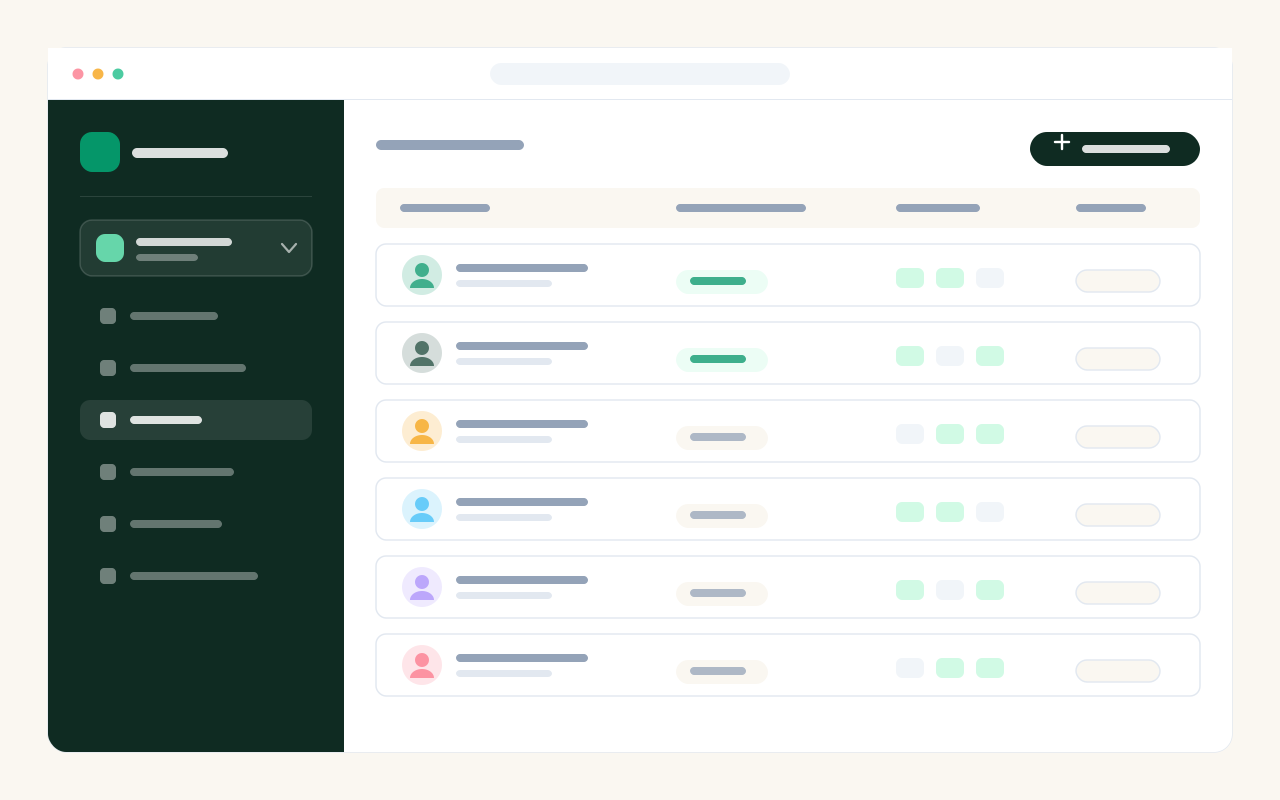
Give each client their own workspace, and the whole screen follows when you switch — websites, landing pages and media. Invite teammates as editor or viewer, per website or per workspace, so nobody sees a client that is not theirs.
- One workspace per client, switched in a click
- Editor / viewer roles per site or per workspace
- Media library filtered to what each member may see
White label
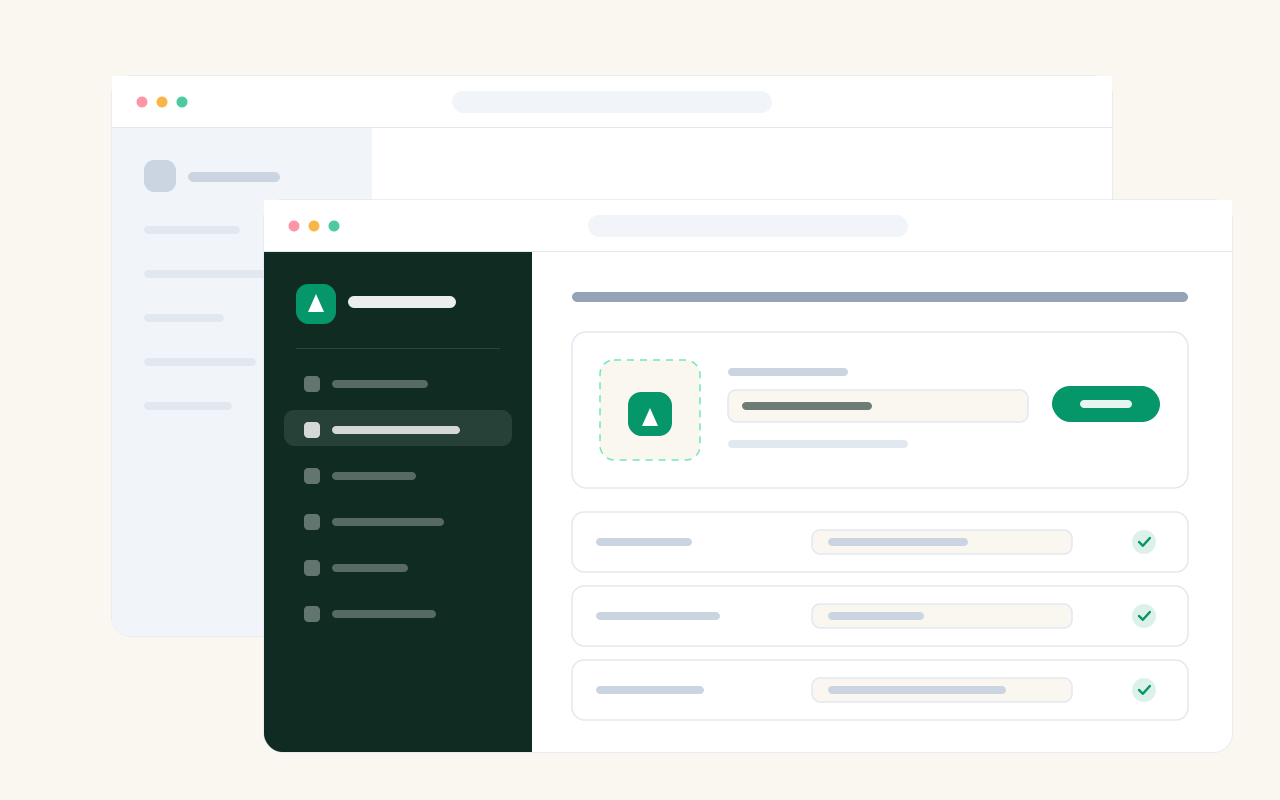
Replace PageHub with your own name, logo and help links inside the builder, so a client only ever sees your agency. Account emails — verification and password reset — can go out from your own SMTP server too, once a test send proves it works.
- Your name, logo and icon throughout the builder
- Login and reset emails from your own mail server
- Team appearance defaults you set once for everyone
Eight languages & multi-currency
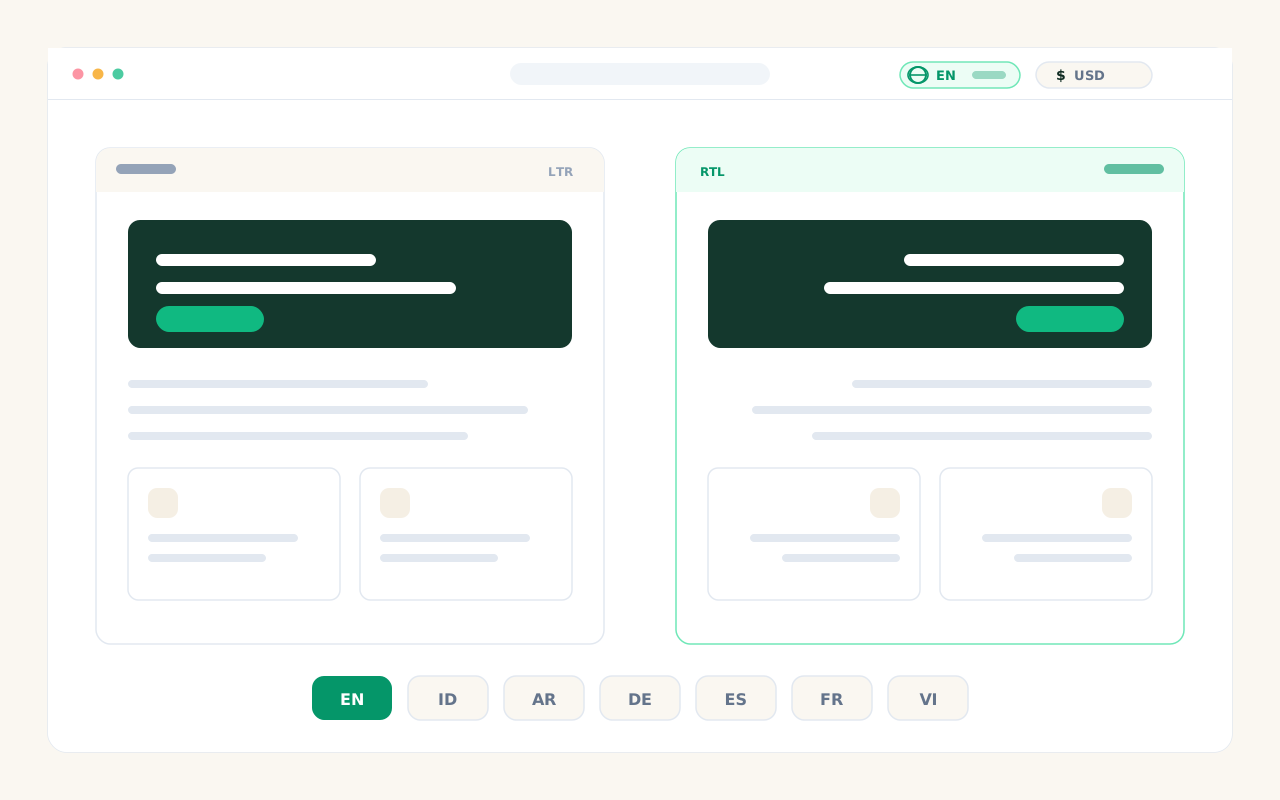
The builder, the marketing site and every error message ship in eight languages including right-to-left Arabic. Each merchant site carries its own language, so one agency can run a German site and an Arabic one side by side.
- en · id · ar (RTL) · de · es · vi · fr · ms
- Language set per site, not per account
- Prices shown in the visitor's currency
Supporting features that make it serious.
Multi-provider AI
Pick your engine: Claude, ChatGPT or DeepSeek — whatever fits your needs and budget.
Global header & footer
A website shell with a navigation menu — including dropdown submenus — that stays consistent across every page.
Media library
Organise images and assets in folders and reuse them on any page.
Version history
Every change is saved. Roll a page back to an earlier version whenever you need to.
Block palette from your design
Add Block is not a generic set — the AI derives the blocks from the page you already designed, so a new section never looks bolted on.
Secure & fast
Rate limiting, security headers and a CSP out of the box. Public pages are cached — zero queries per visitor.
Edit one section with AI
Point at a section — on the canvas or straight in the preview — and tell the AI what to change. It only ever sees that part, so the rest of the page is left exactly as it was.
SEO on every page
Search title, meta description, address, share image and a focus keyphrase — with a live Google and WhatsApp preview, so you see the link before you send it.
Shop pages you can edit
The product list, product page, cart and checkout are yours to edit by hand, visually or in code — not a fixed layout you have to regenerate to change.
Fits the way you work.
Agencies
Client sites under your own brand, one workspace each.
Shops & small businesses
Catalogue, orders and invoices — not just a page.
Freelancers
Portfolios and service pages that turn visitors into enquiries.
Creators
Link-in-bio, event pages or product launches.