How to Build a Restaurant Website with Online Table Booking
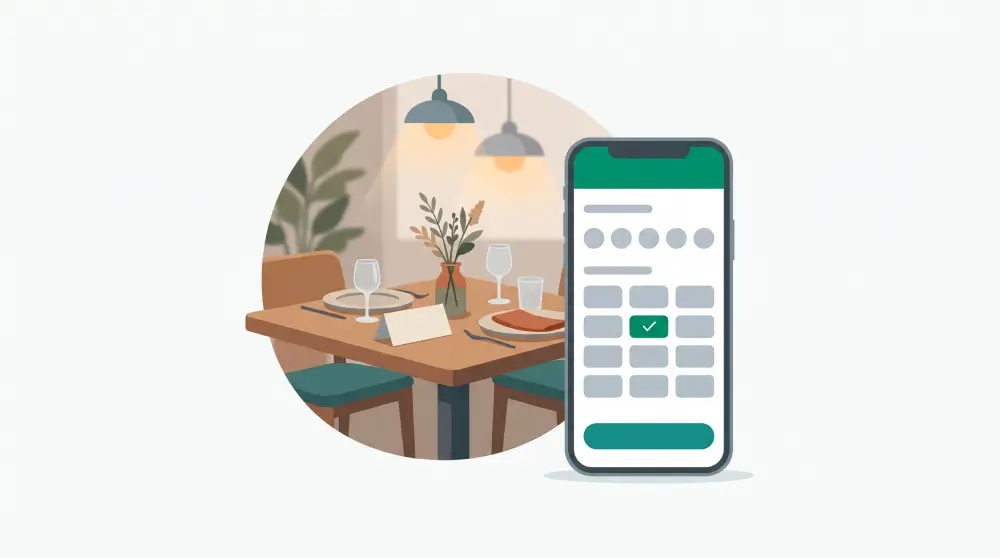
A restaurant website has two jobs. Make people hungry, then make it dead easy to book a table.
Plenty of restaurant sites nail the first and fumble the second: lovely photos, a menu PDF that takes ten seconds to open, and a phone number that rings out during dinner service. This guide covers both jobs, including how to take table bookings on your own site.
What people look for on a restaurant website
Nearly every visitor wants one of the same few things. The menu and prices. A table. The address and opening hours. A feel for the place. Some proof the food is good. And if you do takeaway or private events, they'll look for that too. Each of these should be one or two taps away.
Put the menu on the page, not in a PDF
PDF menus are slow on phones, fiddly to zoom, invisible to Google and usually out of date. Put the menu on a normal web page instead. Group dishes by course, keep descriptions short, show prices clearly, and mark dietary info (vegetarian, vegan, gluten-free, spicy) the same way every time.
There's an SEO bonus, too. When your dishes are actual text, Google can read them, which helps with searches like "ramen near me" or "vegan brunch in [your city]".
Keep it current. A guest who sees one price online and another at the table doesn't leave happy.
Add online table booking
This is the feature that turns website visitors into people at your tables. Searches for restaurant and table booking websites have climbed over the past year, and plenty of guests would rather book at 11pm than call during your lunch rush.
You've got two routes. A third-party reservation platform is quick to set up, but the booking happens on their page, under their brand, and you're usually paying per cover or per month. Booking built into your own site keeps guests on your page and the booking data with you.
If you go with built-in booking, make sure it covers:
- Opening hours per day, including the days you're closed
- Time slots that match how you turn tables, for example every 30 minutes
- A capacity per slot, so you decide how many bookings you can take at once
- No overbooking, even when two people grab the last slot at the same second
- A cut-off, so nobody books a table for ten minutes from now
- Guest details: name, phone, party size, and a note for allergies or birthdays
In PageHub, booking is built in. You set your hours, slot length and capacity, and the database itself refuses any booking that would go over capacity, so two simultaneous requests can't both take the last spot. Drop a booking block on any page (home, menu, a special-event page) and it always shows live availability. Staff can still squeeze someone in outside normal hours from the admin side, because "can you fit us in on Sunday?" is what the phone is for.
Photos: fewer, better
You don't need fifty. Five or six signature dishes in natural light, the dining room when it's full, the team (especially whoever runs the kitchen), and the entrance from the street so first-timers recognise it. Compress them before uploading. People open restaurant sites on their phones, on mobile data, while deciding where to eat in the next half hour.
Make your address and hours impossible to miss
Put the address, a map, opening hours and phone number on the home page and in the footer of every page. Make the phone number and address tappable so people can call or get directions in one tap. And keep them identical to your Google Business Profile, because wrong hours online have a way of ending up in reviews.
Show a few real reviews
Pick three or four short quotes from real guests, the more specific the better. "Best tonkotsu I've had outside Japan" beats "Great food, lovely staff!" every time. Link to your review profiles so people can read the rest.
Other ways the site can earn
If you do takeaway, a small online store lets people pre-order. If you host private events or cater, an enquiry form that asks for the date, group size and budget saves a lot of back-and-forth. Gift vouchers and things like house sauces or coffee beans can sell online too. In PageHub the store and forms sit on the same site as your booking widget, and event enquiries go into a leads board so they don't get buried in your inbox.
Getting found on Google
Give each page a title with your cuisine and city in it, like "Neapolitan pizza in Bristol | Forno Rosso". Keep the menu as text. Post now and then: a new seasonal menu, the story behind a dish, an upcoming event. Make sure the site has a sitemap and submit it to Google Search Console.
Building it with AI
- Describe the restaurant: name, cuisine, city, the vibe, and the pages you want (Home, Menu, Book a Table, Private Events, About).
- Let the AI draft it, then swap in your real menu and photos.
- Turn on bookings and set your hours, slot length and capacity. Add the booking block to your pages.
- Add an events enquiry form and, if you do takeaway, a few products.
- Set page titles and share images, connect your domain and publish.
- Book a table on your own phone, start to finish.
For more on the general process, see how to build a small business website with AI. Or see what PageHub does for food & beverage businesses and start building your restaurant site.